
Free images don’t have to violate copyrights to be free. So, how can you legally obtain a free image?
We have always liked the folks over at www.bigstockphoto.com and their wide selection of reasonably priced images – but reasonably priced is not free. Sometimes you need a quick picture for a blog post and paying commercial licenses each and every time you use an image can be expensive.
Enter www.flickr.com. Offering every single user a free terabyte of storage, Flickr has images for just about every need imaginable. Plus, you don’t have to join Flickr to use the images!
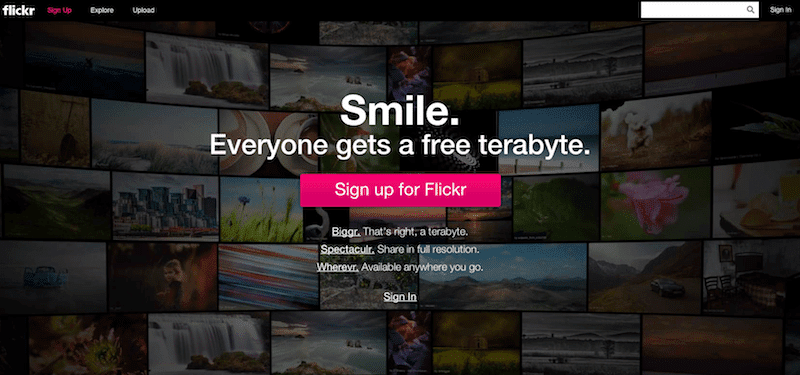
There are some important steps you must take to make 100% certain you may use free images from Flickr commercially.
Step 1: Search
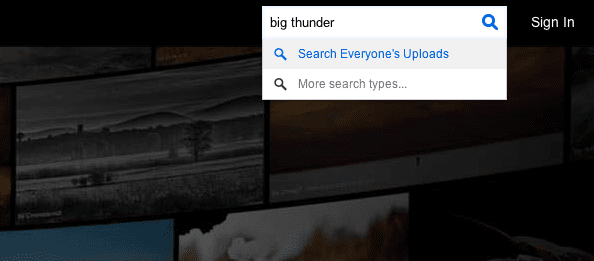
Let’s begin by performing a search. We’ll try “Big Thunder”, a favorite Disney attraction for our family.
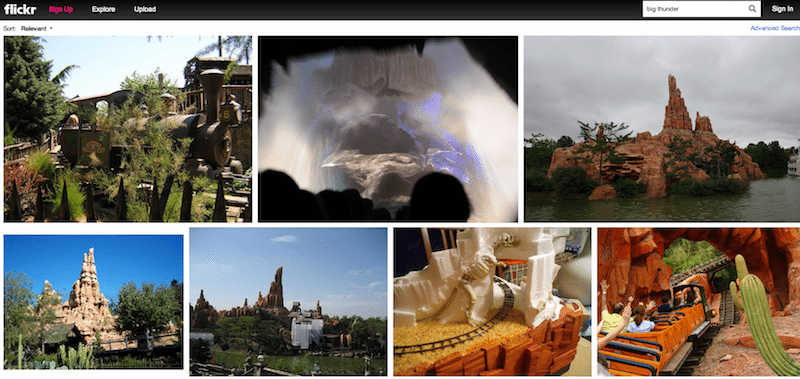
Here are the initial results from our search.
Step 2: Search ONLY For “Commercial Use” Images
Now that we have a preliminary set of results, we need to fine-tune the search parameters by clicking on “Advanced Search” in the upper-right part of the results window.

When we click on that, a new window will open providing us with some options we need to choose.
- Be sure you are searching for “Photos / Videos” content type (this will be the default).
- Be sure to search for “Only Photos”
- IMPORTANT: Mark that you only want images that use a creative commons license and that are available for commercial use.
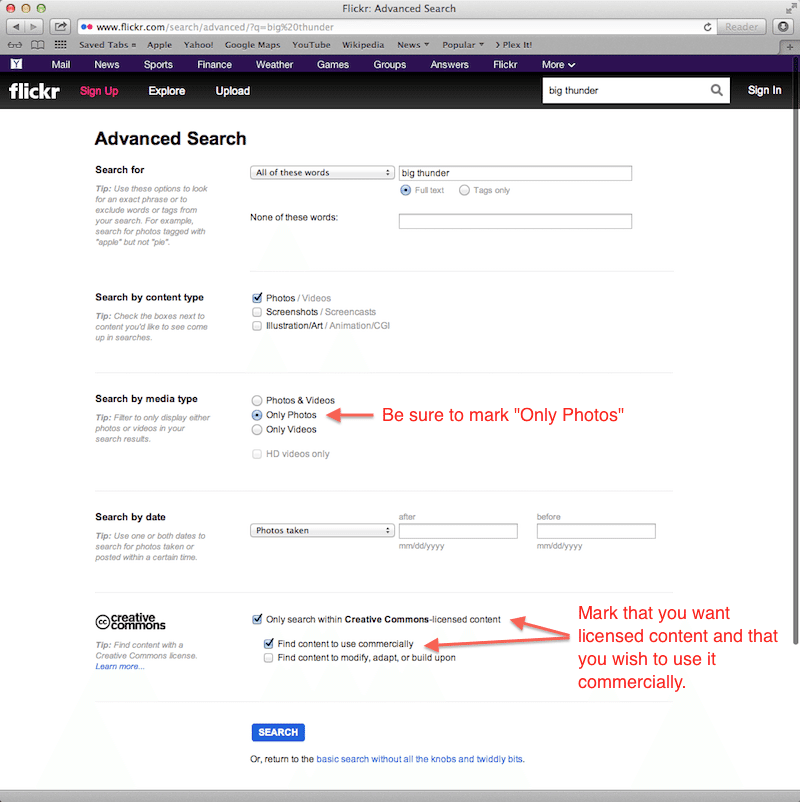
Now click on search and you’ll see the updated results:
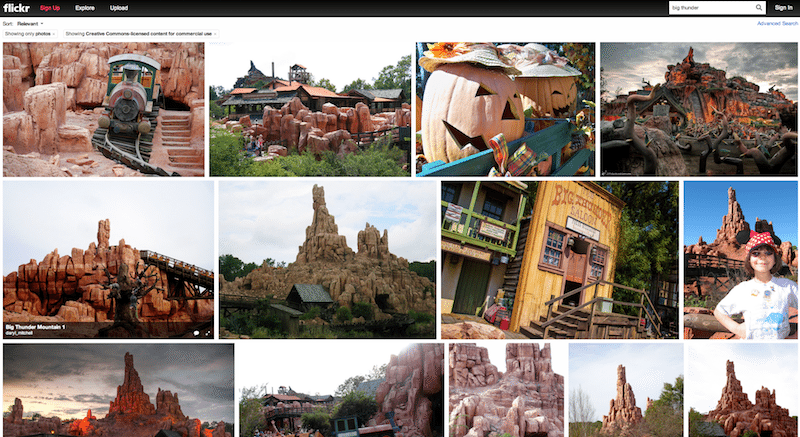
Step 3: Verify the Commercial License
Not all commercially licensed images on Flickr have the same rules. As such, you must be sure you verify the license to make certain you follow the rules appropriately.
- To begin, let’s pick an image that we think we want to use and click on it.
- Then right-click on the image to “reveal” an info box for the image.
- Once you see the info box you can click on the “Some Rights Reserved” portion to see the license details.
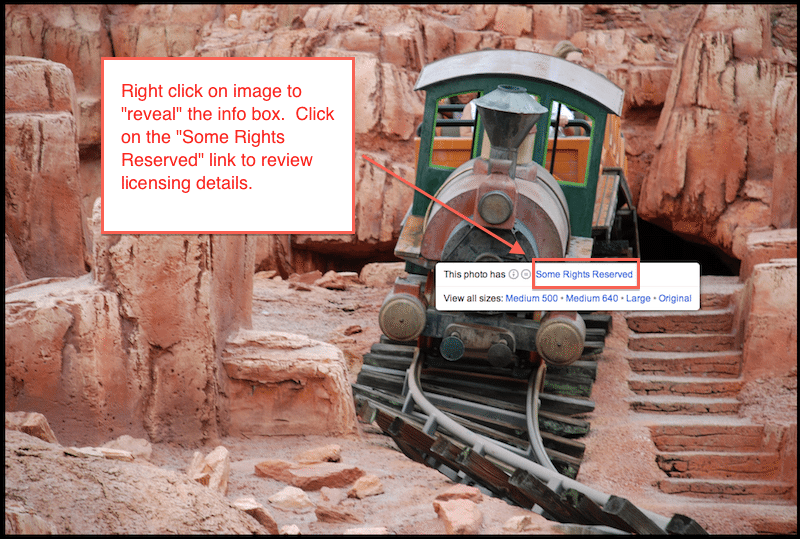
Here we can review the license details for the image:

The license is pretty clear. We can use the image in our commercial work but we cannot use it as the basis for something else. The key is that when we use the image, we must give credit to the photographer via attribution. This is typically by sharing their name / Flickr user and by providing a direct link back to the image / photographer.
To use the image we can just go back to the previous screen with the license. (You may need to right-click on it again to reveal the info box.)
You can then click on an image size you want to use. We selected “Original” for this example.
Step 4: Download & Use The Image
Here you see the various pre-sized images available for use. This is handy because you want to be sure you grab an image that is relatively close to the size that you want to use in your website. Bear in mind that most modern designs have a maximum width of around 1000 pixels for the content space but *some* designs do allow for larger images that can be used in the background.
You’ll see the License link is clearly shown. You can grab a link to the user by right-clicking on that user’s name and copying the link to them.
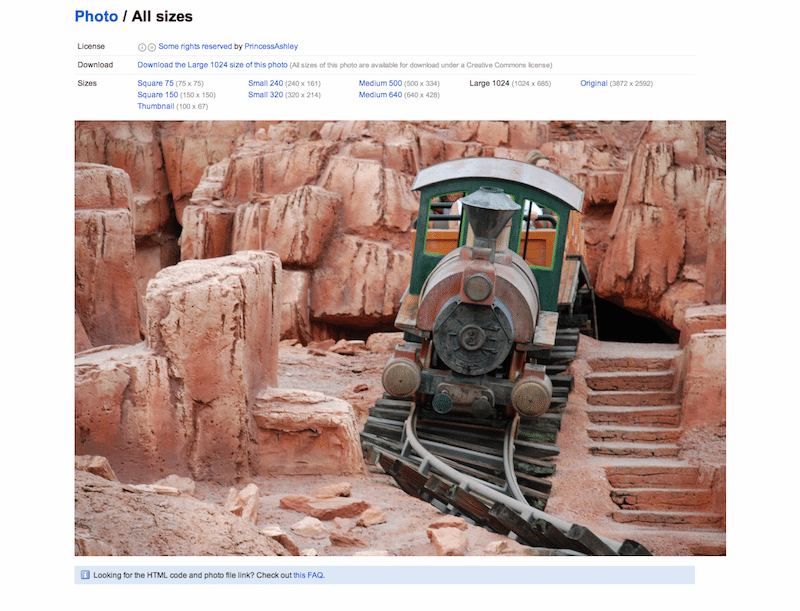
Simply right-click to save the image and now you are ready to upload it and use it in your website. Be sure to include the attribution:

Photo by Ashley
And there you have it. In just a few steps you’ve obtained a licensed image to be used in your website without having to pay a fee and without needing to join any membership sites. While it is always a best practice to use your own images whenever possible, that is much more difficult to do when you are in a service oriented business such as Insurance. Hopefully the use of Flickr will help you enhance your blog posts with some nice imagery in a budget friendly (free) way.